Upload Your Photo
You'll get: a 2×2 photo and a 4-Up 4×6 print sheet
Photo Requirements
- ✓ Even lighting on face — no shadows
- ✓ Both ears visible — tuck hair back
- ✓ Neutral expression — mouth closed
- ✓ Face camera straight — no tilt or turn
- ✓ Clear, sharp photo — clean your lens
- ✓ Plain background — white or light color
Top Rejection Reasons
- ✗ Shadows on face (harsh overhead or side lighting)
- ✗ Ears hidden by hair or head angle
- ✗ Blurry or low-resolution image
Upload Photo (30 seconds)
Click to browse, drag & drop, or paste (Ctrl+V)
Passport Photo Before & After
Upload any photo and get a print-ready passport-style photo in seconds

Original Photo
White neutral background, good lighting
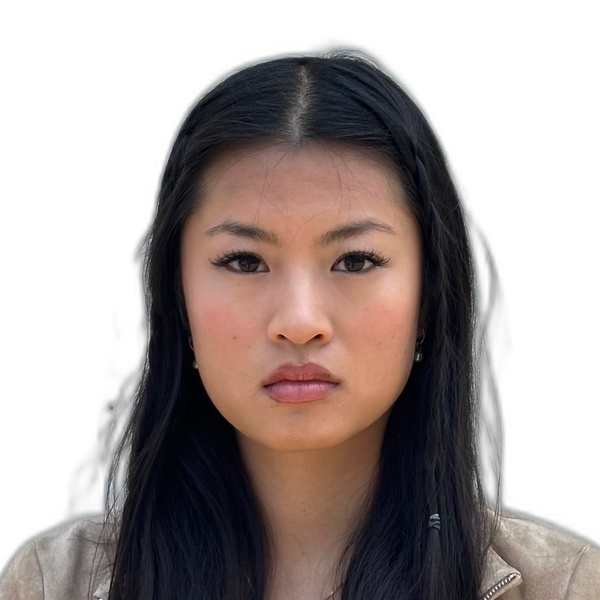
2×2 Passport Photo
Ready for digital upload and printing
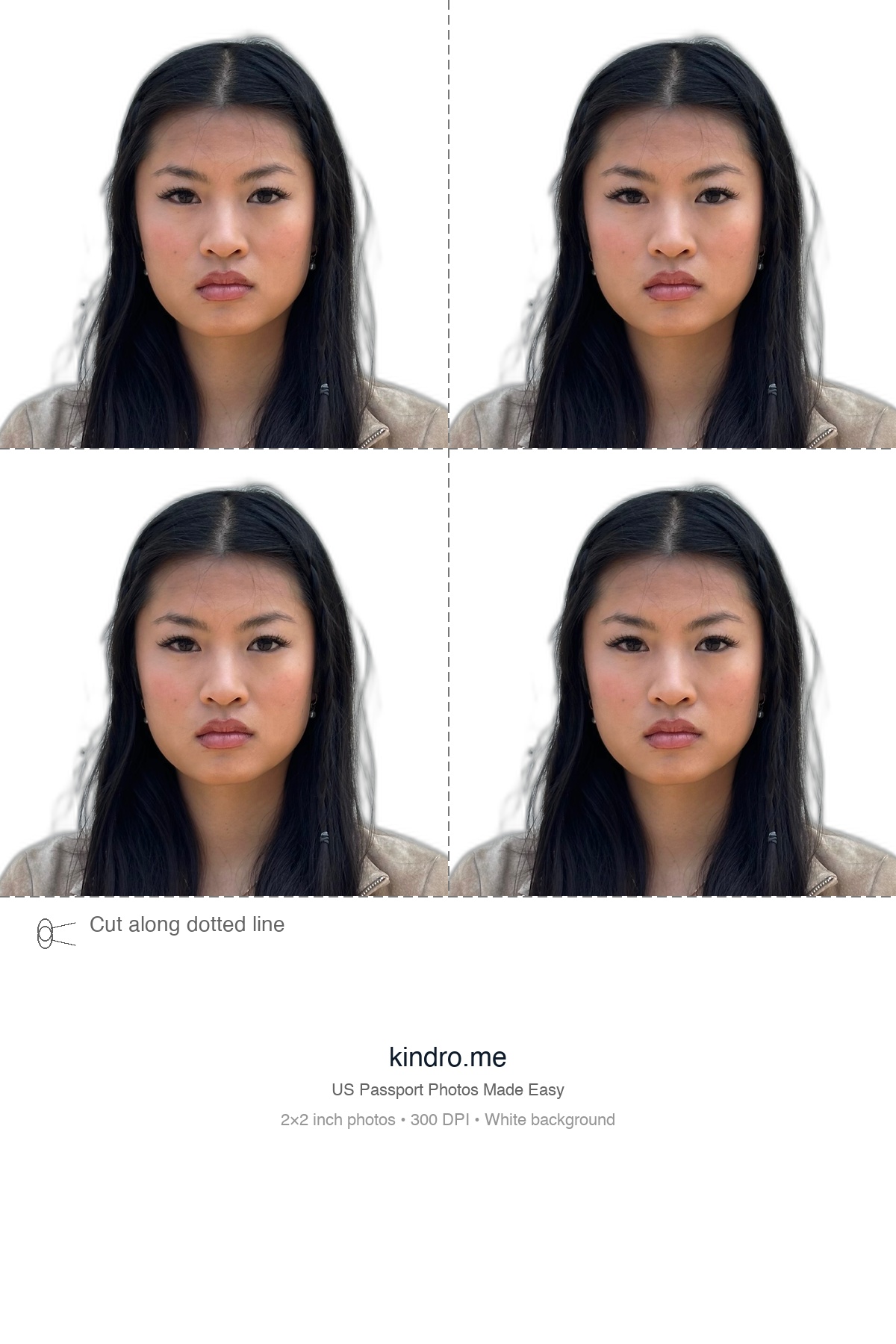
4×6 Print Layout
Print on 4×6 inch glossy paper
See how it works (about 2 minutes)
How It Works
Take or Upload Photo
Use your phone to take a photo with good lighting against a white background.
AI Processing
Our AI removes the background, centers your face, and adjusts colors.
Download
Get your 2×2 photo and 4-Up 4×6 print sheet, ready for printing.
Make Your Own Passport Photo at Home
You don't need a studio or appointment. Use our DIY passport photo generator to automatically remove the background, center your face, and format your photo to U.S. State Department standards.
All you need is a smartphone with a decent camera and natural lighting. Take the photo against any wall -- our AI replaces the background with compliant white. Learn more in our step-by-step guide to taking a passport photo at home.
Print Your Passport Photo at CVS, Walgreens, or Walmart
Download a 4-up 4×6 print layout and print it as a single glossy photo at CVS, Walgreens, Walmart, Costco, or any local photo lab. Cut along the guides to get four 2×2 passport photos.
A standard 4×6 glossy print costs under $0.50 at most stores, compared to $16.99 for their passport photo service. See our full passport photo cost comparison and store-by-store printing guide.